

Download 9‑1‑1 Emergencias – Free Mexican Emergency App for Fast, Secure Help
Overview
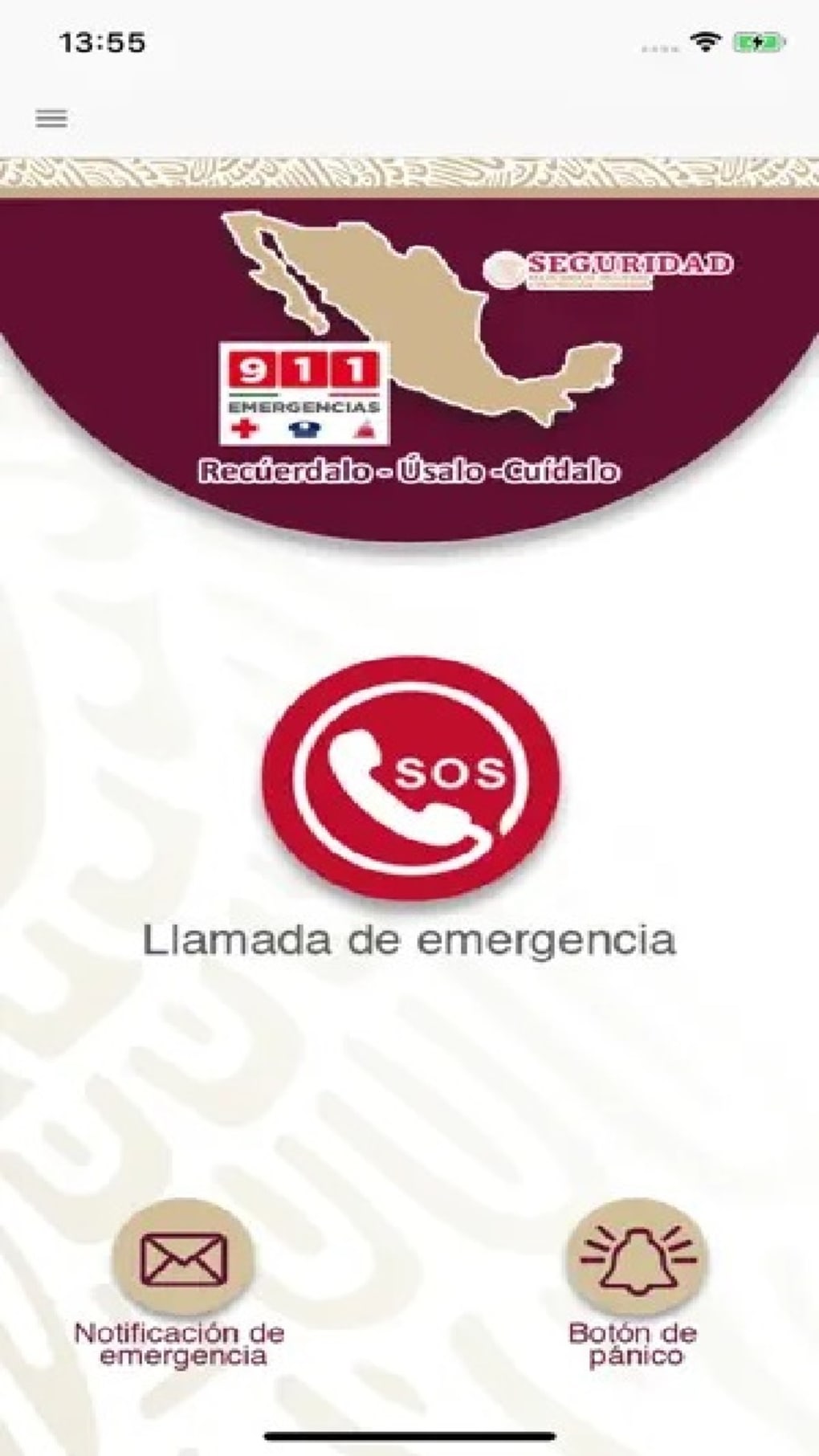
9‑1‑1 Emergencias is a free lifestyle utility built specifically for residents of Mexico who want a reliable, one‑tap way to call for help in an emergency. Designed with user convenience and safety at its core, the app lets you report an incident, request civil protection, medical, or security services, and even send a silent SOS signal when discretion is needed. The interface is stripped down to the essentials – a large SOS button, a silent‑panic option, and clear service‑type selectors – so you never have to hunt through menus when seconds count.
Because the app works 24 hours a day, 365 days a year, it provides a constant safety net, connecting you directly to the nearest emergency call center. While its geographic reach is limited to Mexico, within that territory the app covers every state, city, and rural community, making it a vital companion for travelers, commuters, and anyone who values peace of mind. The combination of a no‑frills design, instant connectivity, and offline readiness (the app stores the nearest dispatch numbers locally) positions 9‑1‑1 Emergencias as a must‑have tool for personal safety.
Key Features
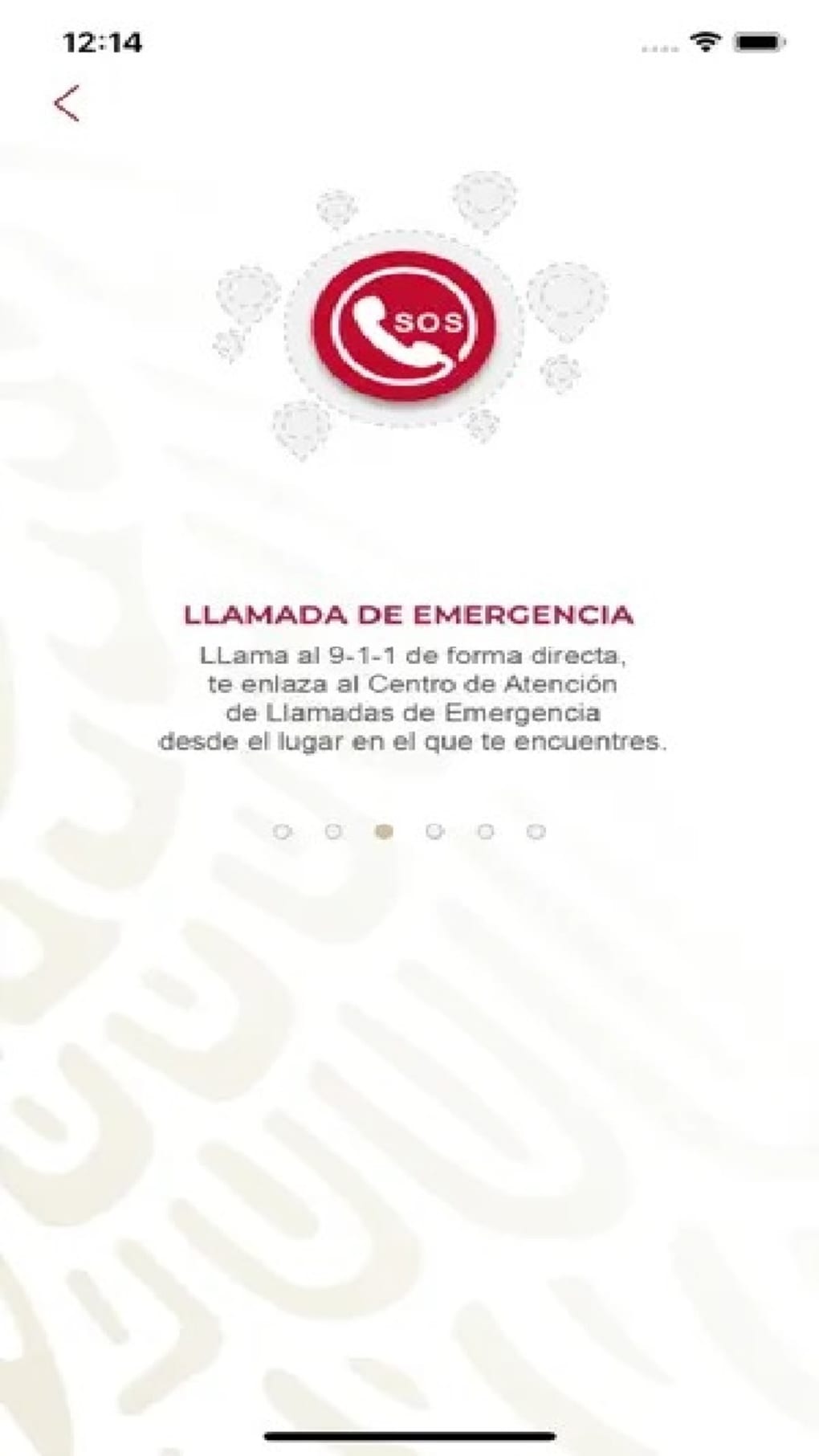
- One‑Tap SOS Button: Instantly contacts the closest emergency call center with your GPS location.
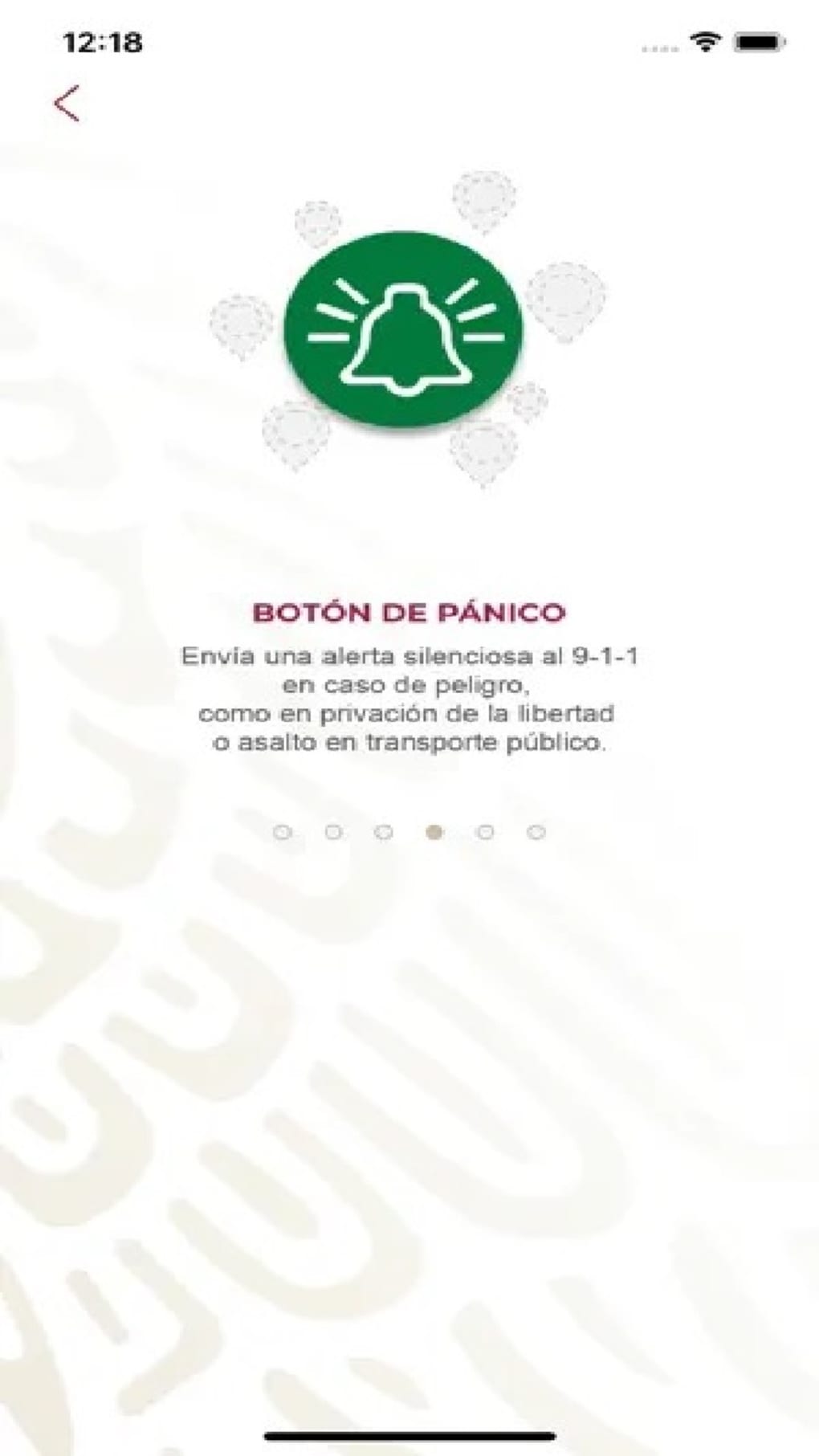
- Silent Panic Mode: Sends a discreet signal to 911 without making any sound, perfect for kidnapping or home‑invasion scenarios.
- Service Selector: Choose between civil protection, medical assistance, or security forces, ensuring the right responders arrive.
- Geolocation Accuracy: Real‑time GPS coordinates are transmitted automatically, reducing dispatch time.
- 24/7 Availability: The app operates around the clock, regardless of holidays or natural disasters.
- Offline Functionality: Even with weak or no cellular signal, the app can store your last known location and queue the SOS request for the next available network.
- Multilingual Support: Interface available in Spanish and English, catering to both locals and expatriates.
- Secure Data Handling: No personal data is shared beyond what is required for emergency response, complying with Mexican data‑privacy regulations.
Beyond the headline features, 9‑1‑1 Emergencias incorporates subtle design choices that enhance reliability. The app uses low‑power background services to keep location data updated without draining the battery, and its minimalist UI eliminates accidental taps. Each alert is logged locally, giving users a personal record of incidents that can be shared with authorities if needed. The app also integrates with native Android and iOS notification systems, delivering a haptic feedback pulse when the SOS button is pressed, so you get instant tactile confirmation that your request has been sent. These thoughtful details transform a simple emergency call button into a comprehensive safety ecosystem, reinforcing confidence in high‑stress moments.
Installation & Usage Instructions
Getting started with 9‑1‑1 Emergencias is straightforward, whether you’re on Android or iOS. Follow the steps below to download, set up, and master the app:
Step‑by‑Step Installation
- Open the Google Play Store (Android) or the Apple App Store (iOS).
- Search for “9‑1‑1 Emergencias” and locate the official free app published by Emergencias México SA.
- Tap “Install” (Android) or “Get” (iOS) and allow any required permissions, especially location access.
- Once the download finishes, open the app; a brief onboarding screen will appear.
- Grant “Always” location permission so the app can retrieve your GPS coordinates even when running in the background.
- Optionally enable push notifications to receive status updates from responders.
First‑Time Configuration
During the initial launch, you’ll be prompted to confirm your preferred language and to test the SOS button. The test does not call emergency services; instead, it sends a dummy request to verify connectivity. You can also add an emergency contact in the Settings menu, ensuring a trusted person receives an SMS with your location whenever you trigger an alert.
Using the App in an Emergency
When you need help, open the app (or use the widget on your home screen for instant access) and choose one of three service types: Civil Protection, Medical, Security. Press the large red SOS button; the app will automatically transmit your exact coordinates, a brief description of the incident (you can type or use voice input), and your device ID to the nearest dispatch center. If you must stay silent, swipe to the “Silent Panic” mode – the app will flash a discreet notification and send the same data without audible cues. After the request is sent, a confirmation screen appears, showing an estimated response time and a reference number you can share with first responders.
All actions are logged in the “History” tab, allowing you to review past alerts. Should you need to cancel a request (for instance, a false alarm), tap the “Cancel” button within 30 seconds of the initial SOS; the system will notify the call center of the withdrawal. This dual‑layered approach—quick activation plus optional cancellation—helps avoid unnecessary dispatches while preserving safety.
Pros and Cons
Advantages
- Instant, one‑tap access: Reduces response time dramatically.
- Silent panic option: Ideal for situations where sound could provoke danger.
- Offline capability: Works even with intermittent network coverage.
- Free and no ads: Users get a clean experience without hidden costs.
- Localized for Mexico: Direct integration with Mexican emergency dispatch centers.
Drawbacks
- Geographic limitation: The service is only operational within Mexico.
- Dependence on GPS accuracy: In dense urban canyons, location may be slightly off.
- No built‑in medical record sharing: Users must manually convey health details.
- Requires internet for full functionality: Pure SMS fallback is not available.
Overall Rating: 4.5 / 5 – A reliable, life‑saving tool for anyone living in or traveling through Mexico.
Frequently Asked Questions
Is 9‑1‑1 Emergencias really free?
Yes, the app is completely free to download and use. There are no hidden subscription fees or in‑app purchases.
Can I use the app outside of Mexico?
Currently the service is limited to Mexican territory. If you are abroad, the app will still function but cannot connect to local emergency dispatchers.
What permissions does the app require?
The app asks for location (always), push notifications, and optional contacts access if you want to add an emergency contact. No camera or microphone permissions are needed.
How does the silent panic mode work?
When you activate silent panic, the app sends the same GPS data to 911 but does not produce any sound or vibration. A discreet visual cue confirms the request.
Is my personal data safe?
Yes. The app only transmits the minimum information needed for emergency response (location, device ID, and incident type). All data is encrypted in transit and not stored on external servers beyond the immediate dispatch.
Conclusion – Stay Safe with 9‑1‑1 Emergencias
When every second counts, having a reliable, instant‑action tool on your phone can make the difference between a swift rescue and a missed opportunity. 9‑1‑1 Emergencias delivers exactly that for anyone residing in Mexico: a free, secure, and user‑friendly app that puts emergency services at the tap of a button. Its blend of a prominent SOS button, silent panic mode, and offline capability ensures you’re prepared for a wide range of scenarios, from medical emergencies to security threats. While the geographic limitation to Mexico is a notable drawback, within that scope the app shines as a dedicated, purpose‑built solution. If you value personal safety, travel frequently across the country, or simply want peace of mind for your family, download 9‑1‑1 Emergencias today and make sure help is always just a tap away.







